Choose your cast
Try an animated presenter, an anime host, or a monkey comedian. Give each character a stage name, choose a height and build, and pick colors for their hair, eyes and outfit.
 AdmasLive Host
Give your live stream a talking avatar that can introduce a topic and answer a guest’s question. Host solo or add a virtual co-host to trade stories and jokes. Choose English or try the Amharic pilot.
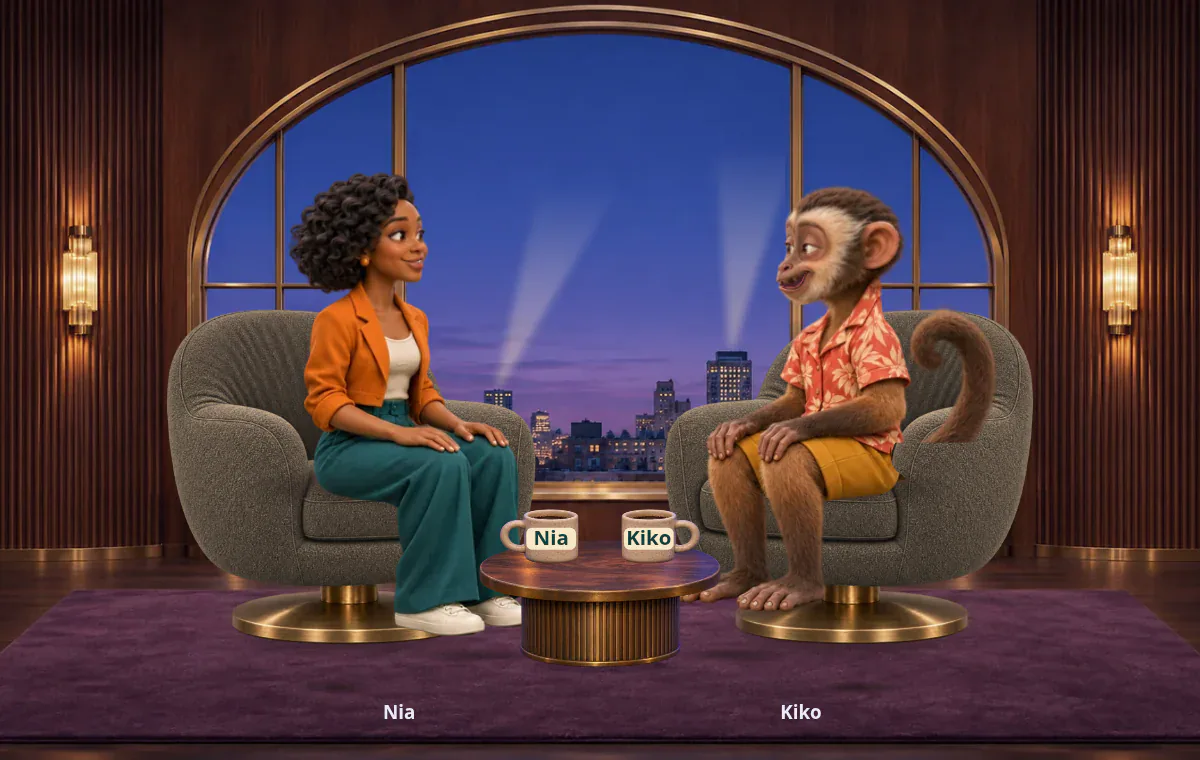
Join Admas and Wuro for comedy, viewer questions, and app ideas in English and Amharic.
Try an animated presenter, an anime host, or a monkey comedian. Give each character a stage name, choose a height and build, and pick colors for their hair, eyes and outfit.
Type an introduction and hear it with a voice installed on your device. Watch your avatar speak, then try a smile, a laugh or a surprised expression. Script and caption rehearsals are free.
Copy your Admas broadcast link into an OBS Browser source or a TikTok LIVE Studio Link source if your account has one. Start the show from Host Studio and stay at the controls. Set up the broadcast source.
Live AI conversations use your shared Admas credits. Eligible welcome and promotional credits apply first. When you need more, add credits in Billing & usage and return to your saved cast. Live Host and app builder activity appear in the same credit history.